This Blender Project is a collaborative assignment with the first-year students. The third-year students were tasked to create the story, make the storyboards, and model the environment and make assets where the main scene of the story will take place. While the first years will model the main characters for the story.
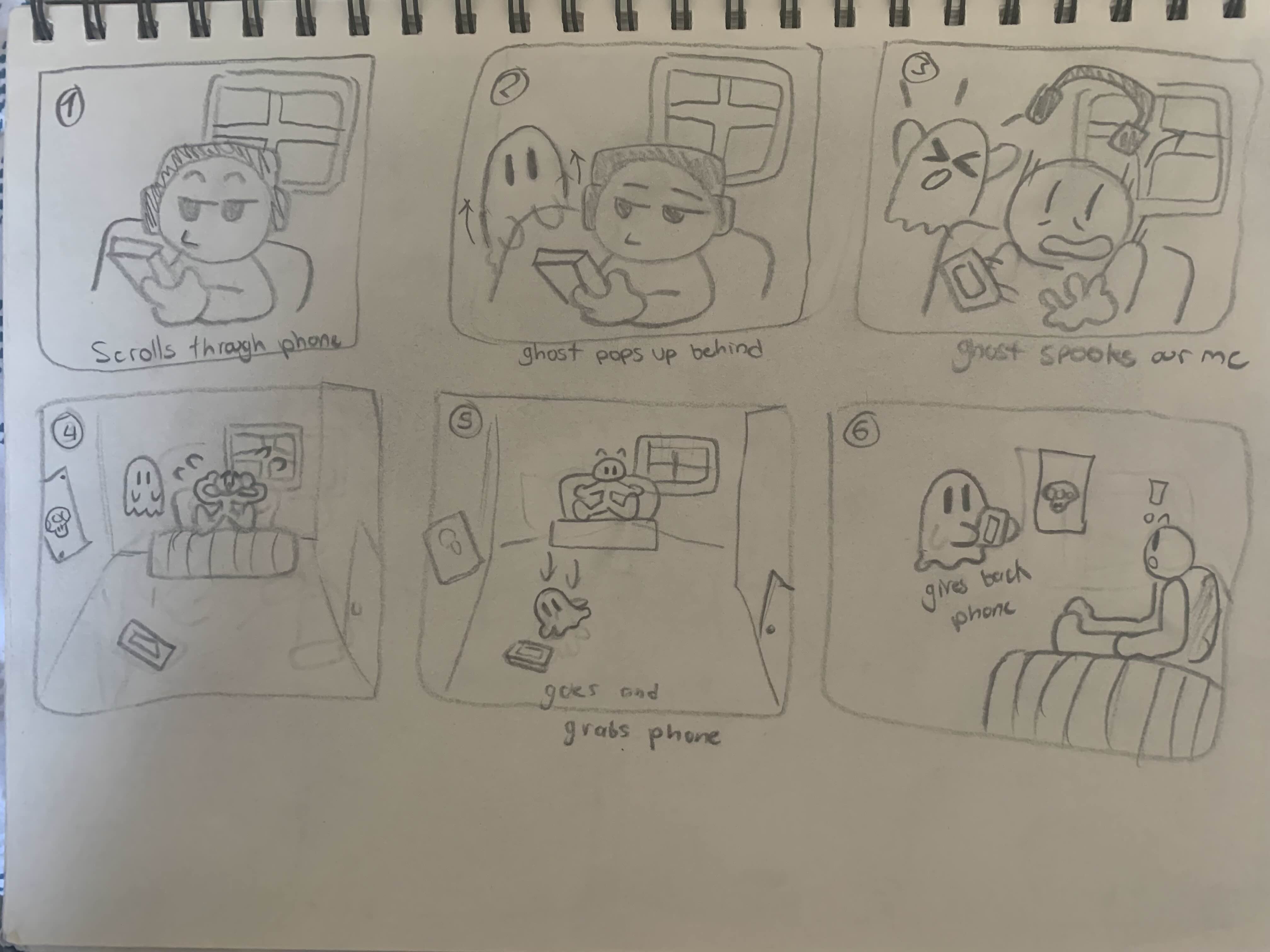
The story starts off with our main character lying in bed scrolling through their phone. Suddenly a little ghost appears behind them and spooks them. They get so scared they bash their heads into the back of their head and they launch their headphones far off from shock. The ghost floats towards the phone, picks it up, and hands it back to our main character. Our main character smiles, grabs the phone and proceeds to thank the ghost. The ghost then looks back at the headphones and disappears.
Blender Animation
Blender Software
Sketchbook
My Big fat brain
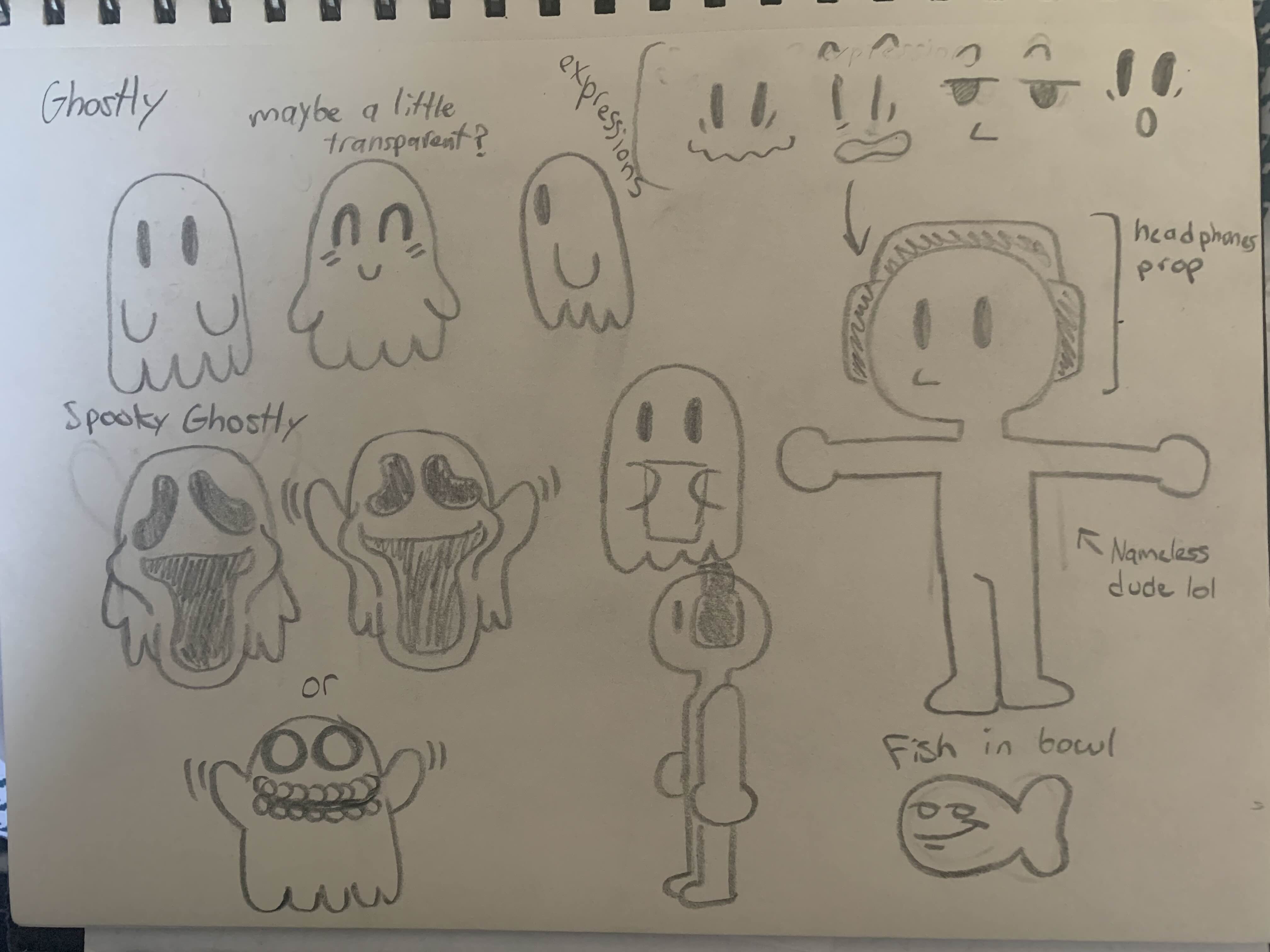
For the first week our team had to plan out our ideas on the story and the characters that would play a part in it. Thankfully, It didn’t take super long to come up with a story. However, we did have to make some adjustments to the story to make the animation process a little easier. Things like camera angles and movements and character movements would’ve been a little challenging with the previous story we had in mind. When sketching out the characters, I wanted to make them as simple as possible so that when the first years model them, It will be a lot easier to create models of them.
Here are the doodles of the main characters I made so that the first years can model them
Here is the sketches of the storyboard I made so that we know the structure of the scene
.jpg)
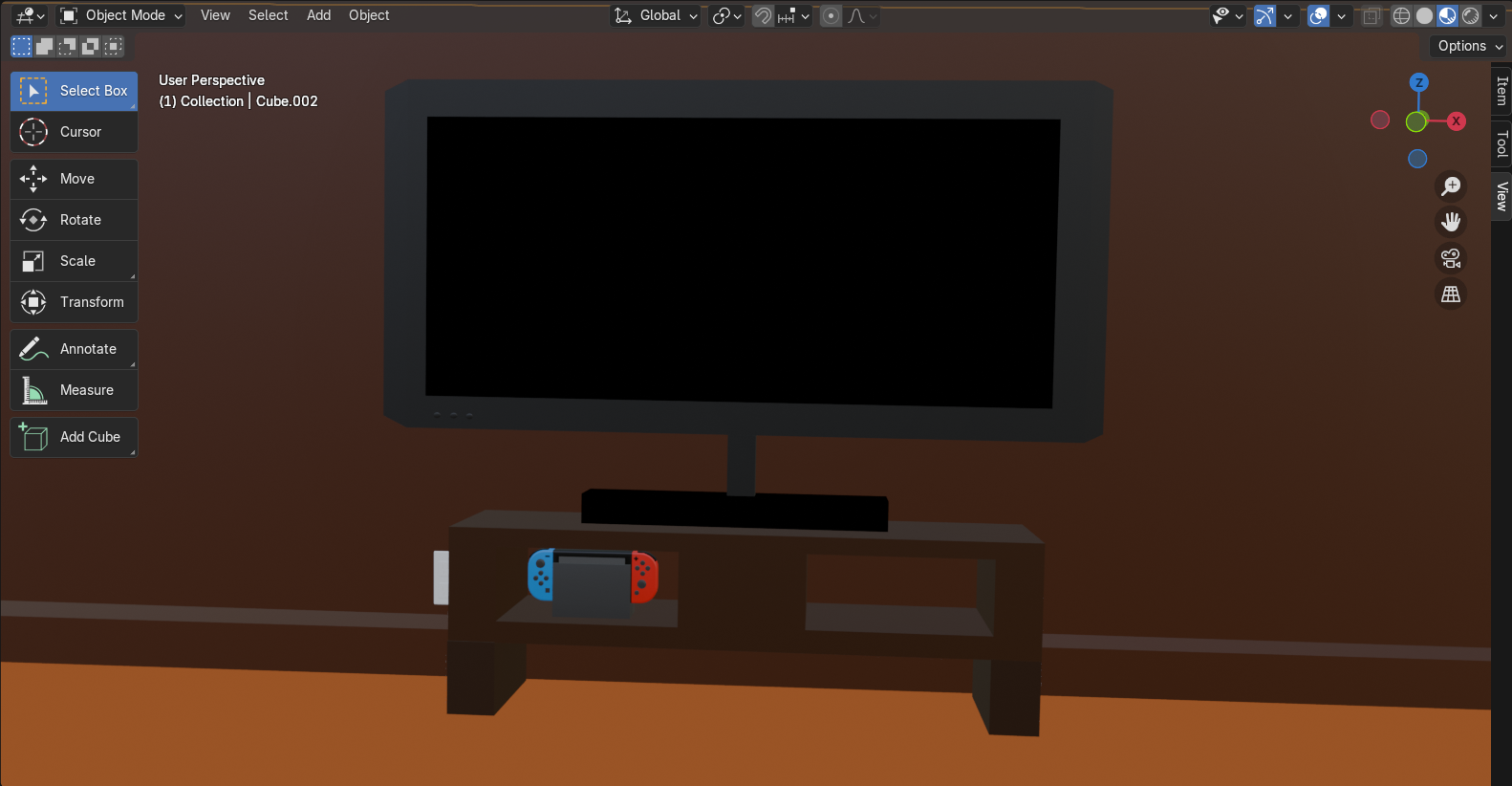
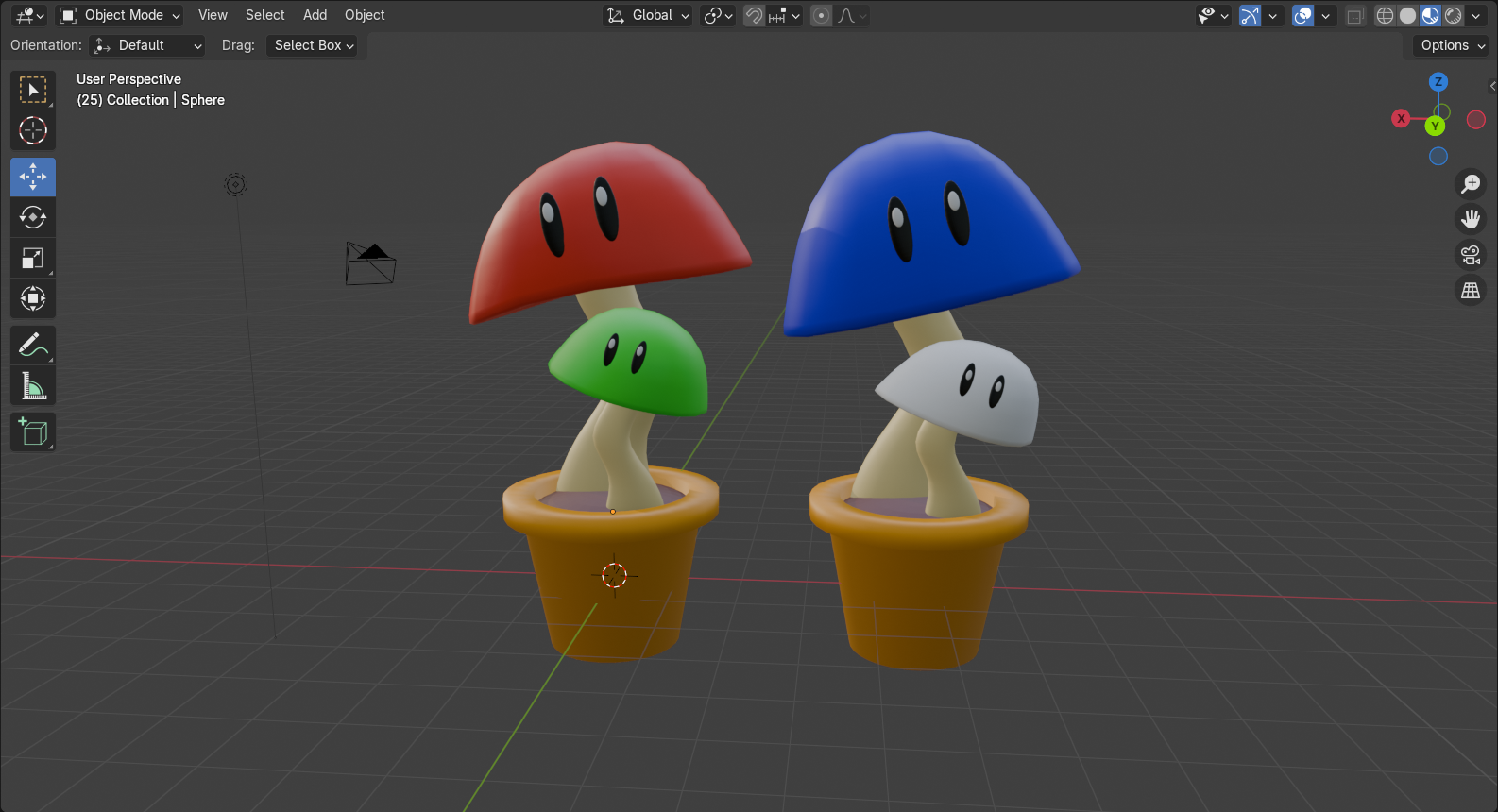
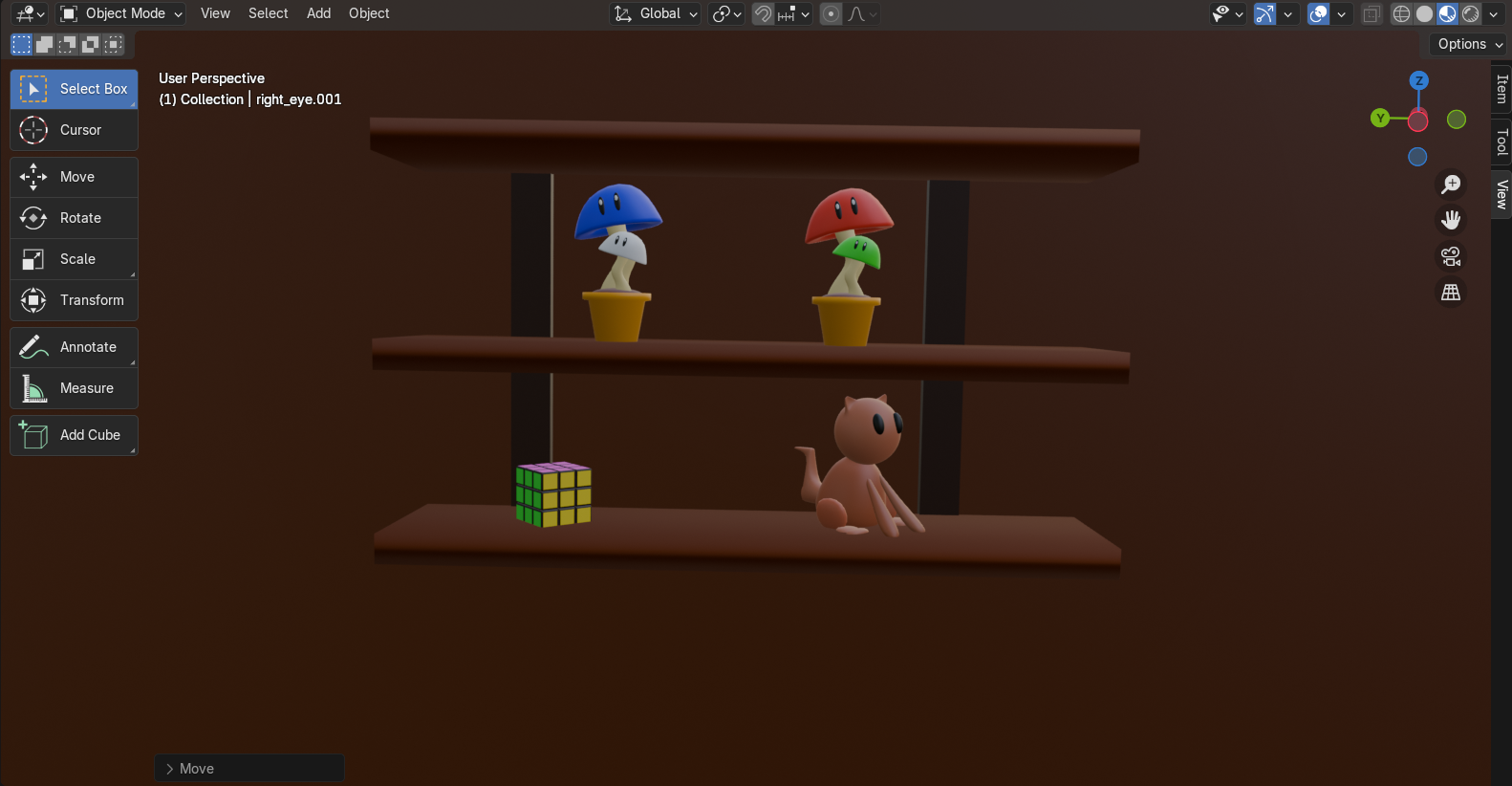
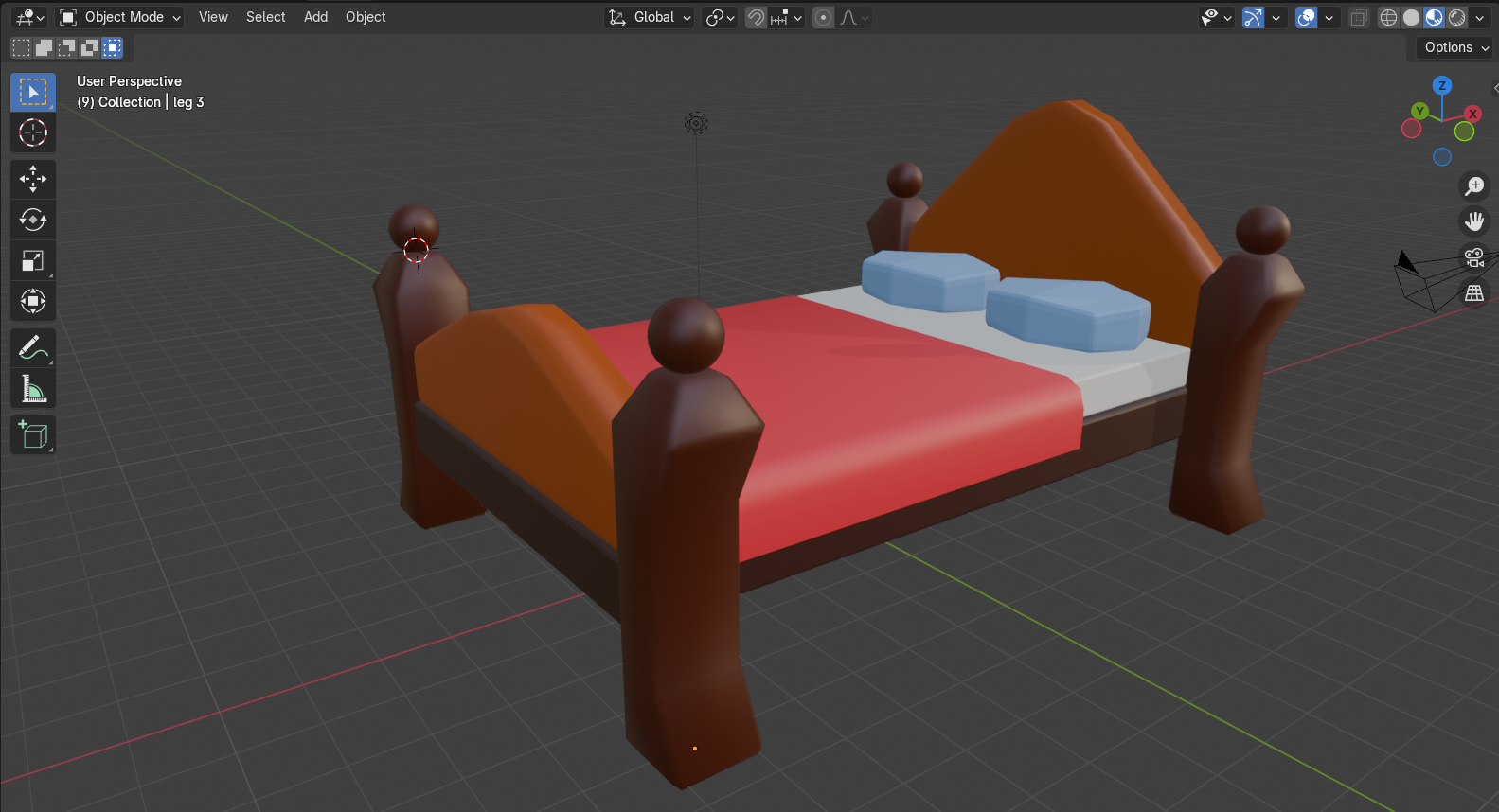
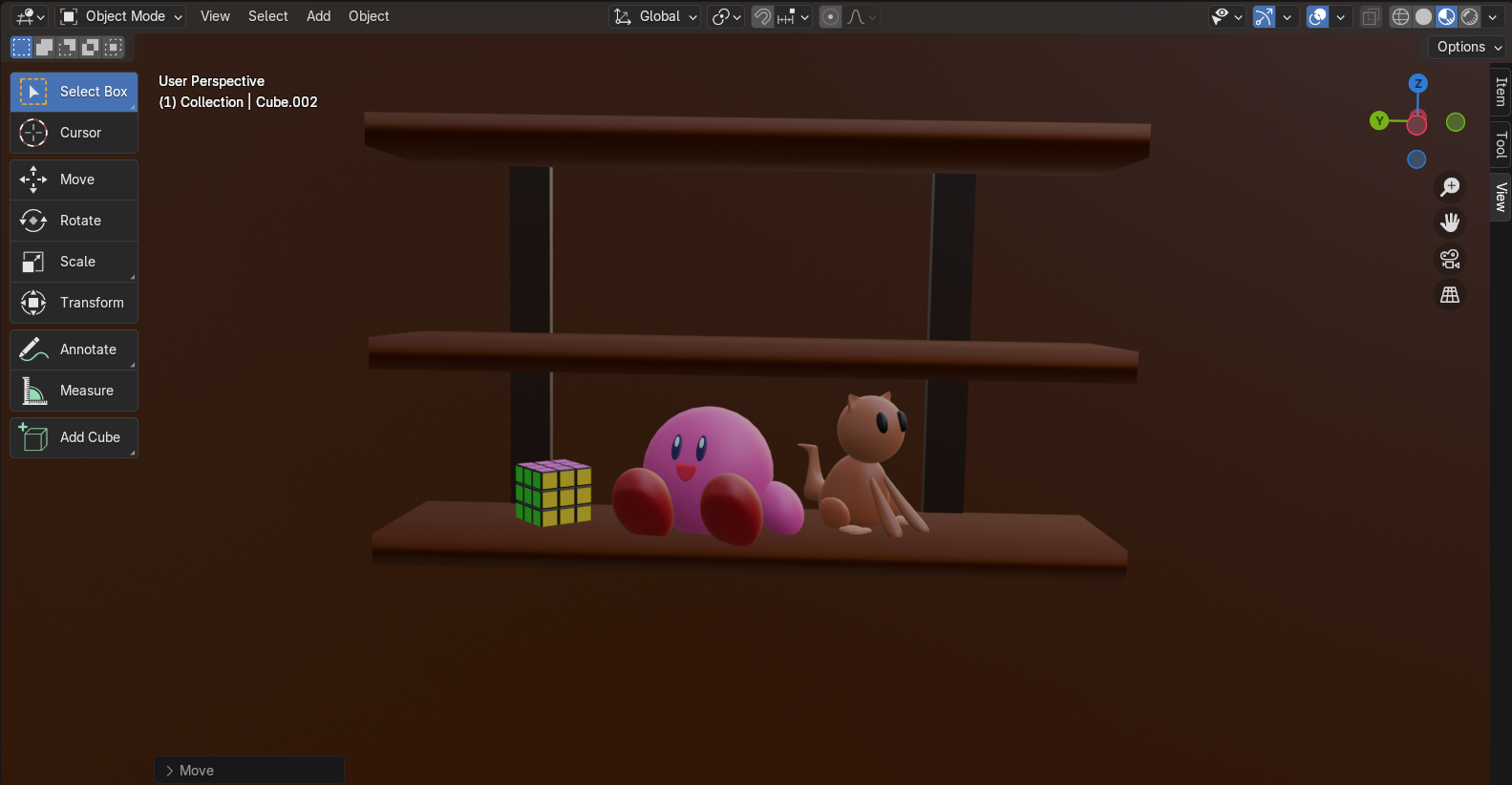
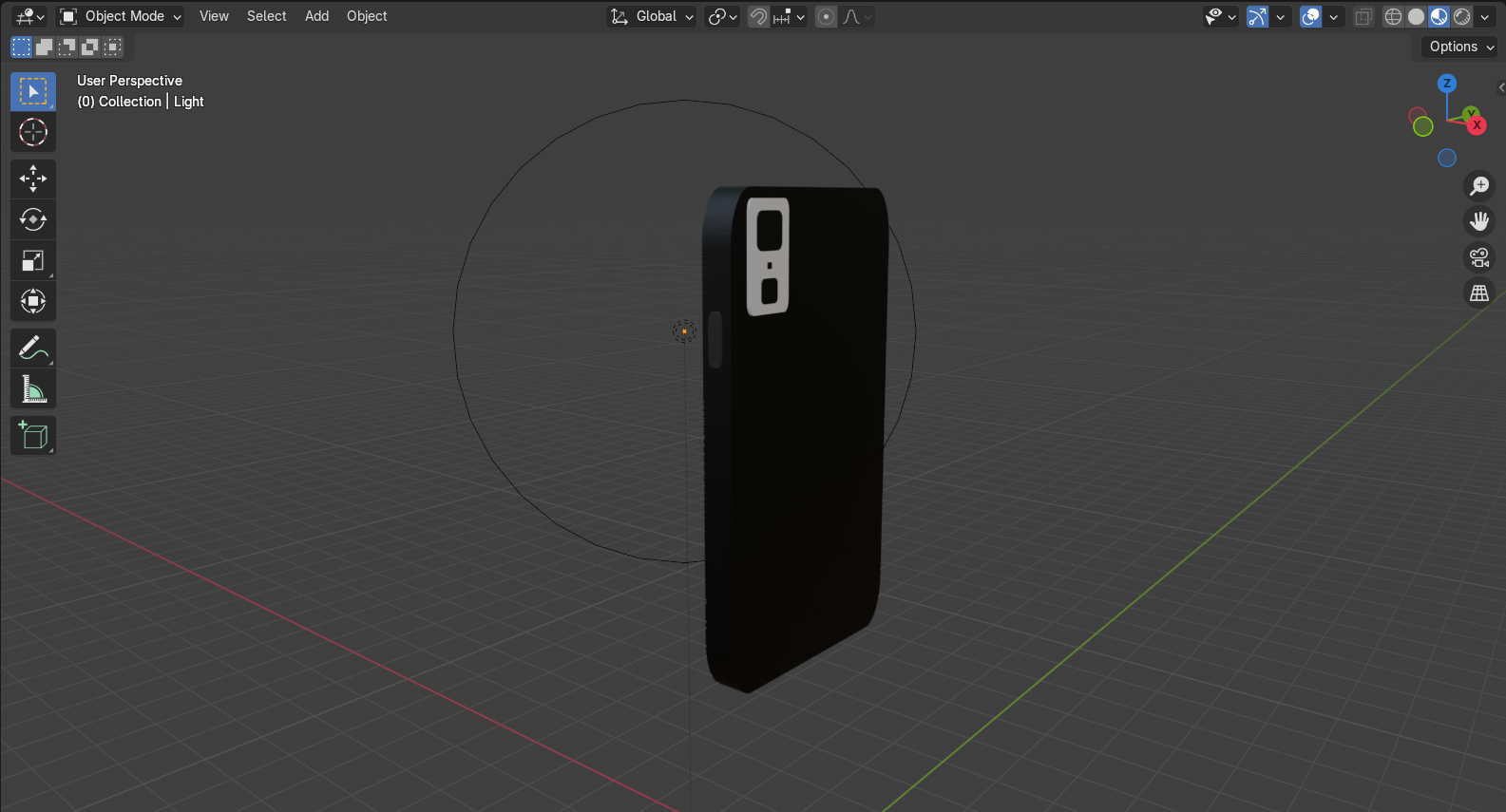
The first years were a little more familiar with Blender, however, us third years had never even touched 3D before. So for the second week I took it upon myself to learn Blender in 1 whole day so that I can model some assets for the scene/room where the story will take place. When creating models for the room, I would look around my own room and try to replicate some of the objects into Blender. For Example, I looked at my own Nintendo Switch, my phone, my lamp, my light switch and my outlet and tried my best to replicate it in the software. Once I got the hang of the basic tools, It was honestly smooth sailing from here. I was able to create more than 8 unique models for the room. The designs are seen below!
Here are the models I made for the scene
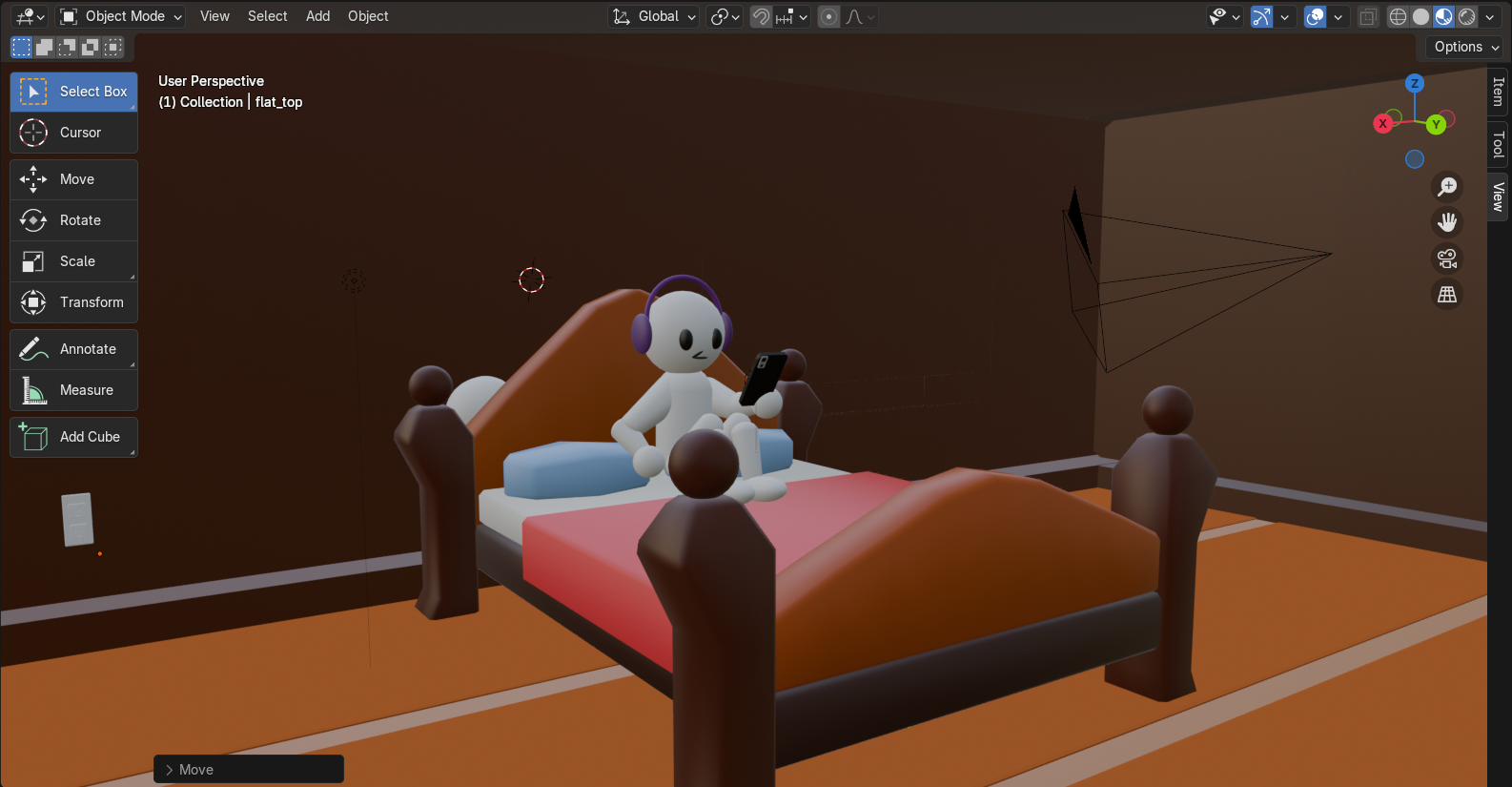

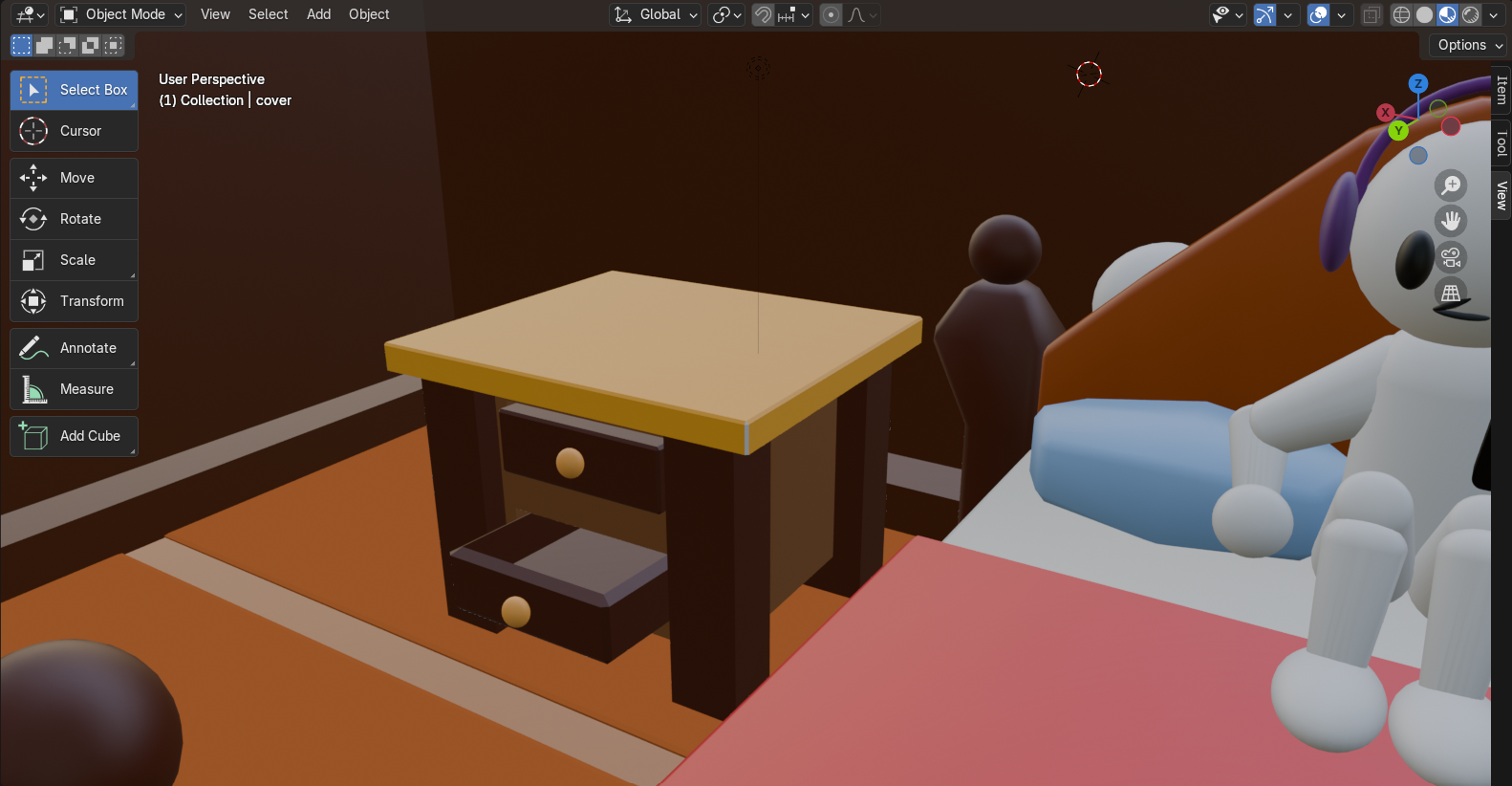
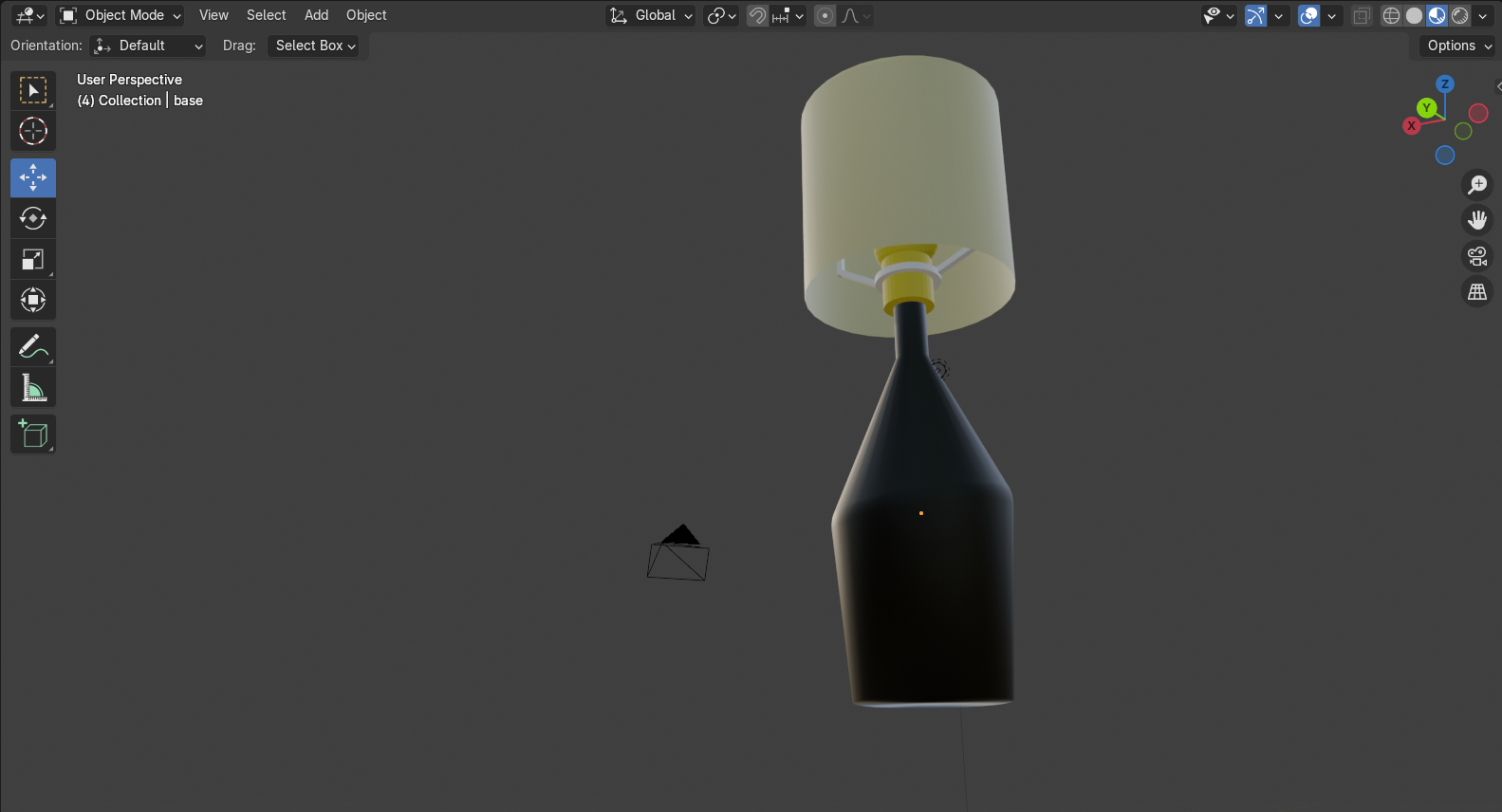
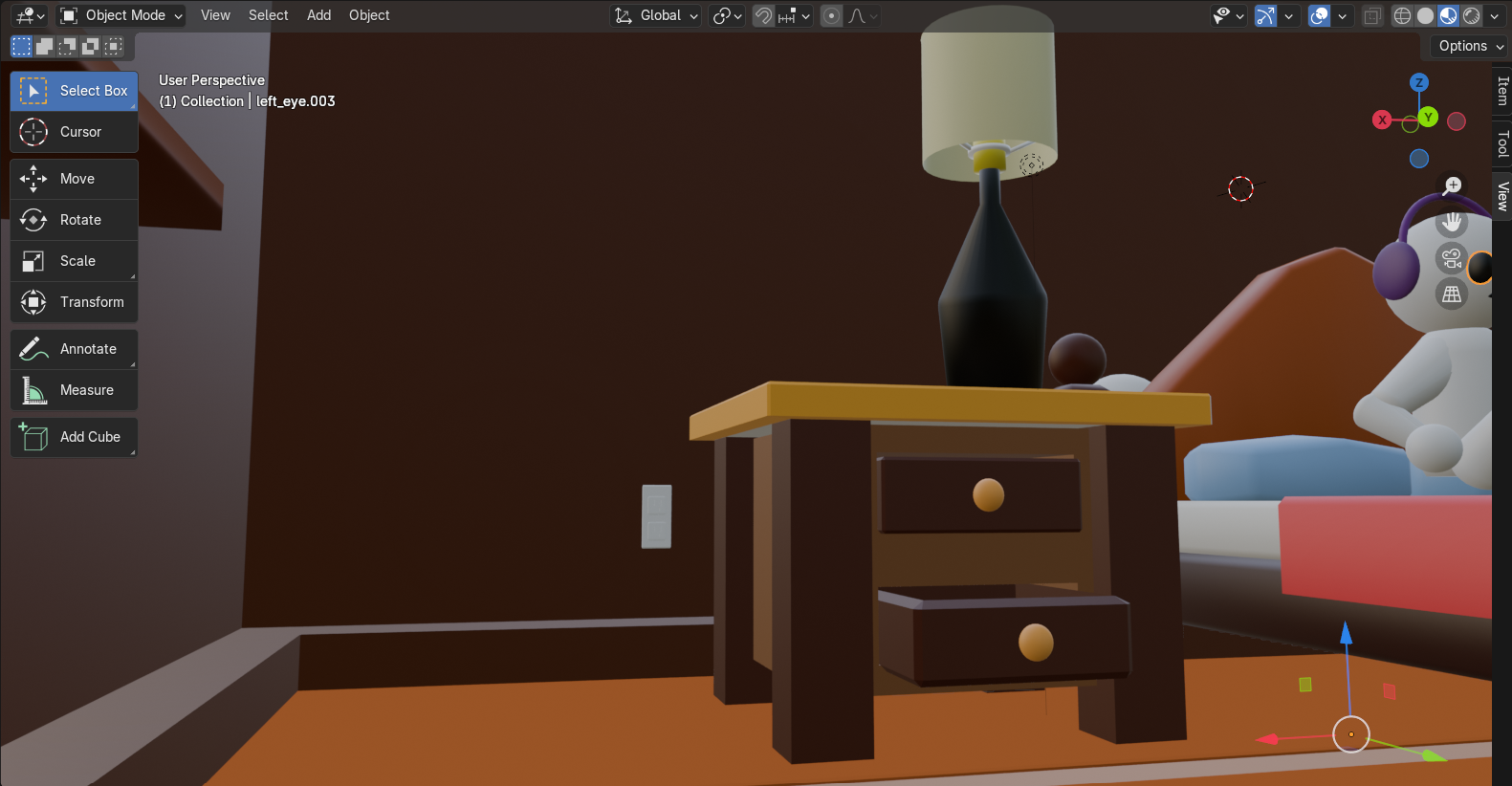
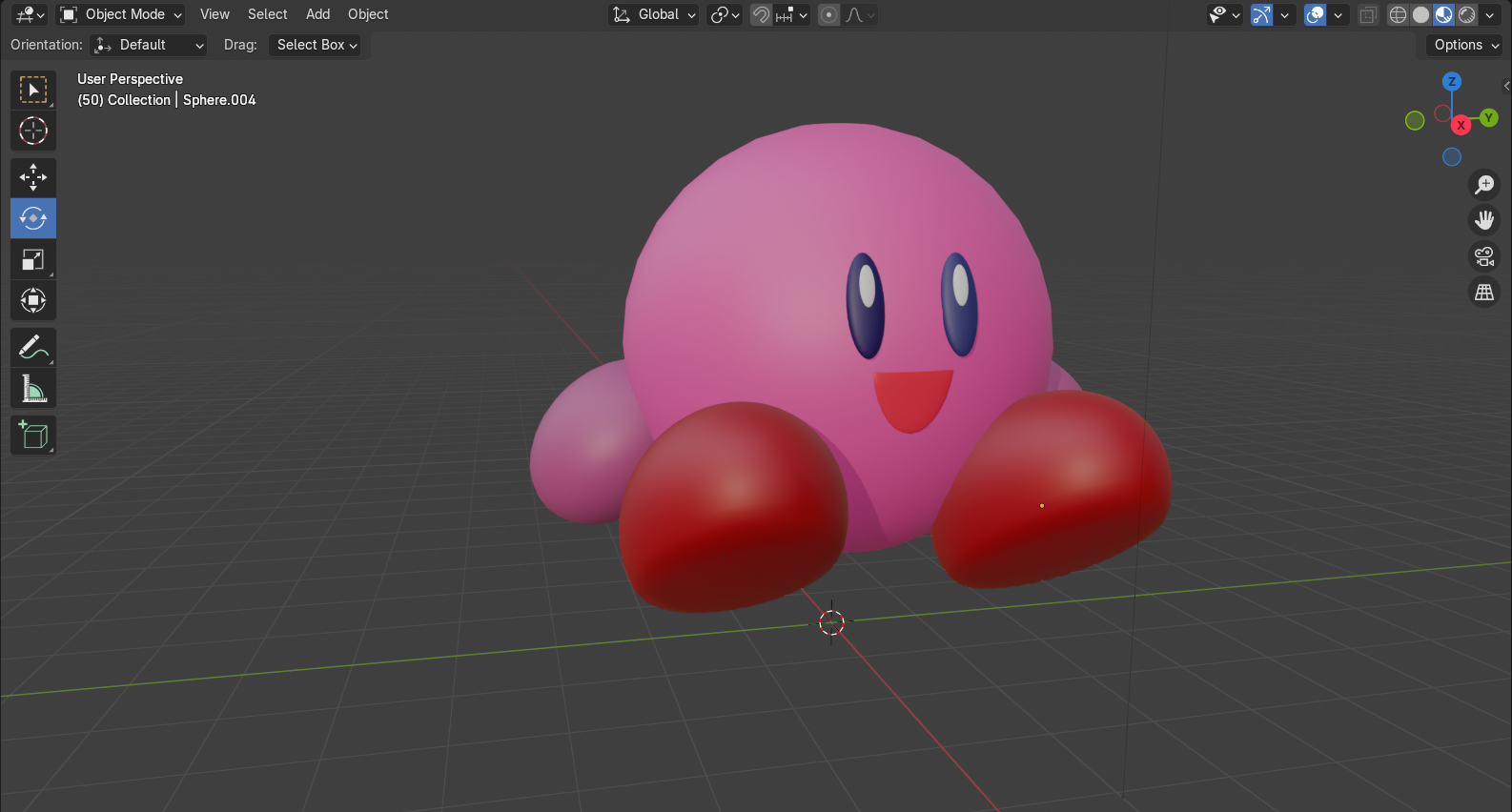
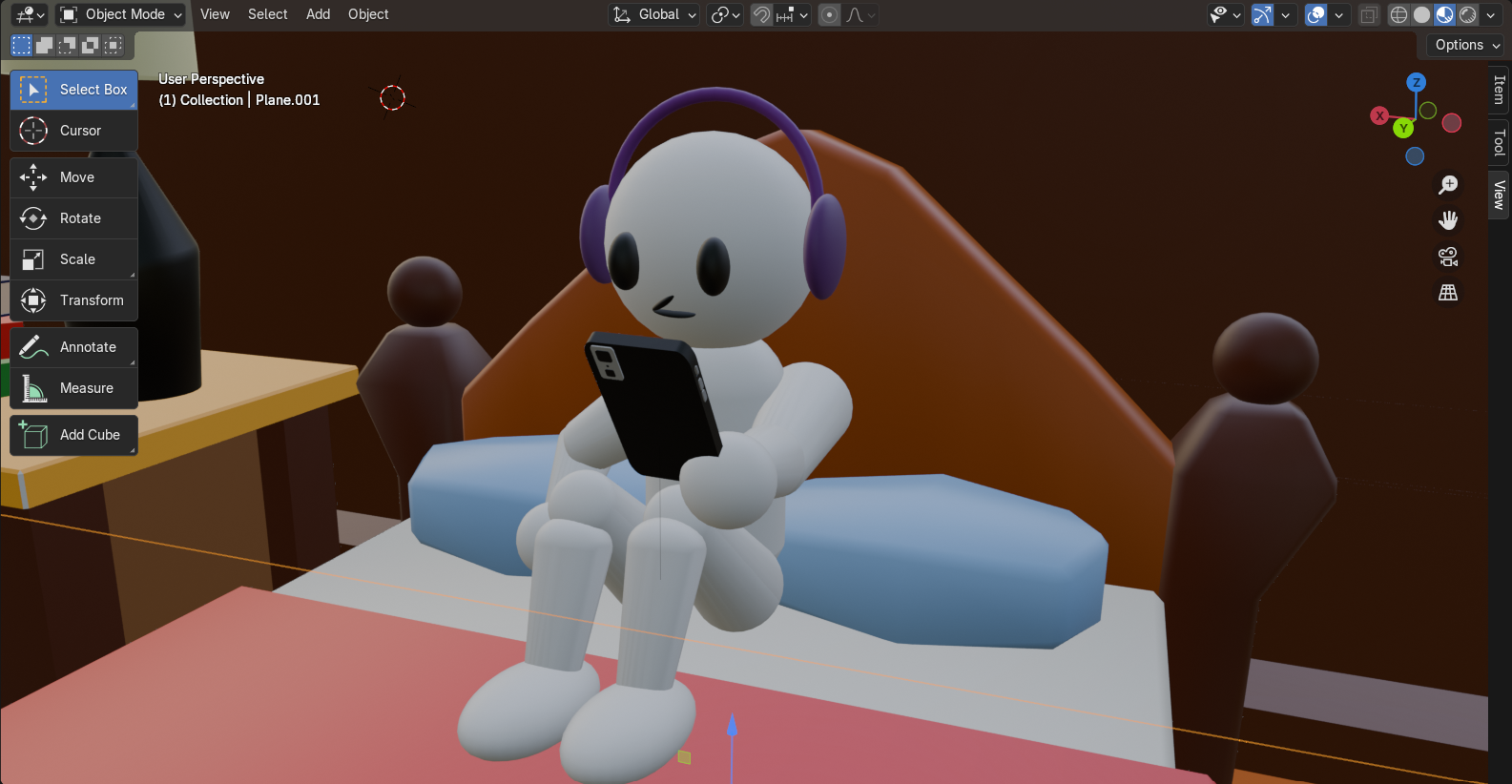
For the third and final week I took it upon myself to animate the whole thing on my own. It was one heck of a task I gave myself but I was determined to do it all on my own. I was the one who made the storyboard so I knew how to place the camera and models the way I wanted them to. A big challenge when creating the animation was moving the pieces of the character models. The problem of the first year students’ models were that they were not rigged. By rigging the model, it’ll make it very easy to move the characters the way you want. However, I did do a turn-around and decided to move each piece of the model for the animation. I would have to keyframe each piece of the model so that they would all move togther. The process was slow at first but once I got the gist of it, It was smooth sailing from there. I also added lighting to the footage. The shine of the phone screen, the light of the lamp was done by me. And the flashlight effect was done by Jayvee.
Behold. The final product! I put a lot of time effort into my first ever 3D animation. It isn't perfect but I'm pretty proud of myself about the final result despite the short amount of time we had to finish this project.